Asset Cart
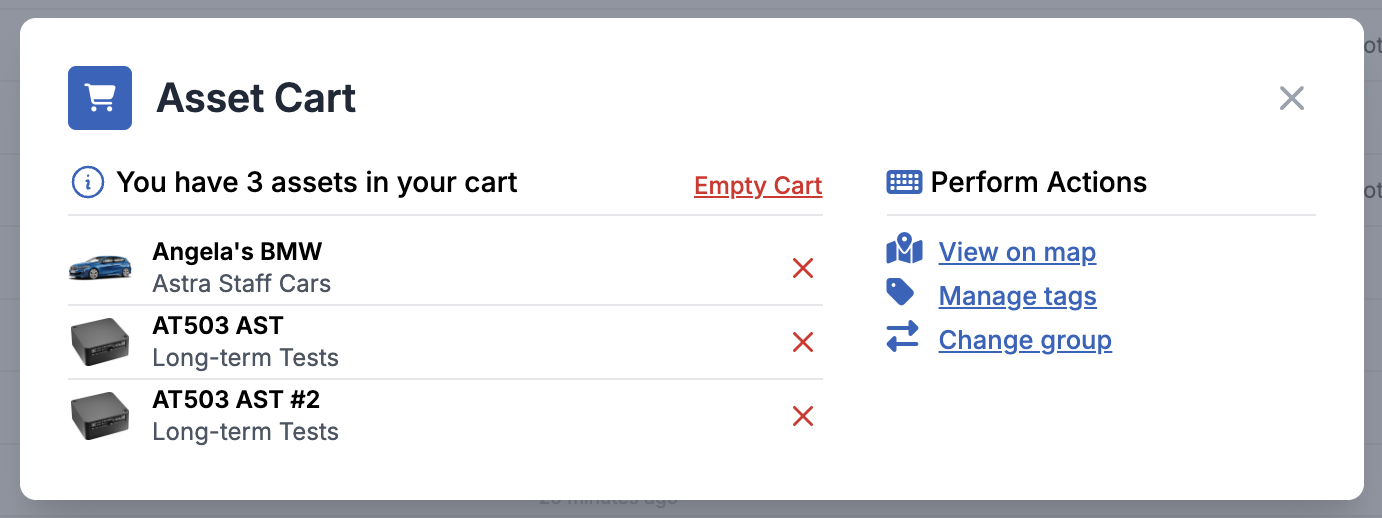
The asset cart provides a way to build a selection of multiple assets, allowing them to be shown on the Main Map , add/remove tags en-masse or change groups en-masse.
The asset cart can be found at the bottom of the screen whilst viewing the Fleet List or at the bottom of the screen whilst viewing the Main Map

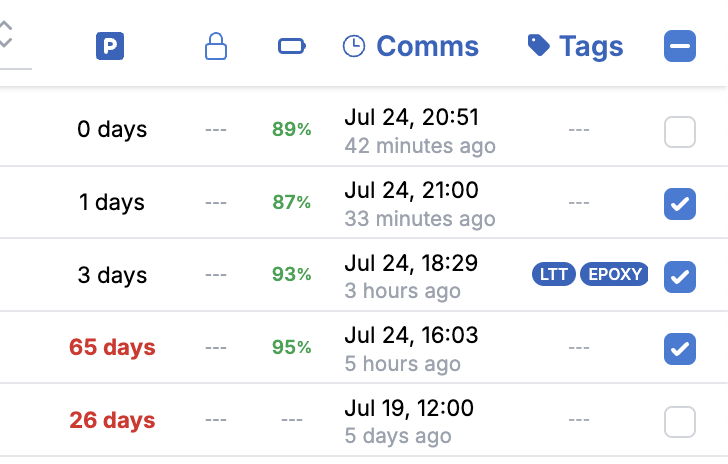
To control the contents of the cart, use the checkboxes on the right-hand side of the fleet list:
To quickly view the contents of the cart on a map, just navigate to the Main Map
To use the contents of the cart for en-masse actions, open it by pressing the cart at the bottom of the screen: