
Customising Your View
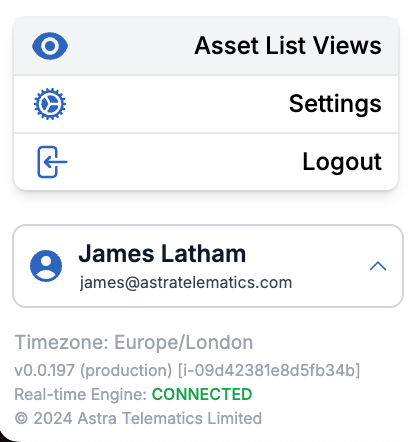
If you would like to show/hide certain data columns on the Fleet List, you can create your own view by clicking on your name in the sidebar and then clicking Asset List View:
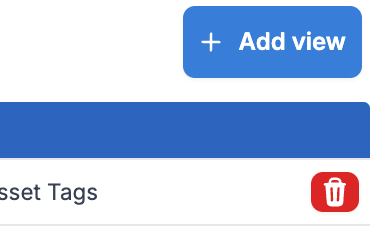
Next, click Add view in the top-right corner:
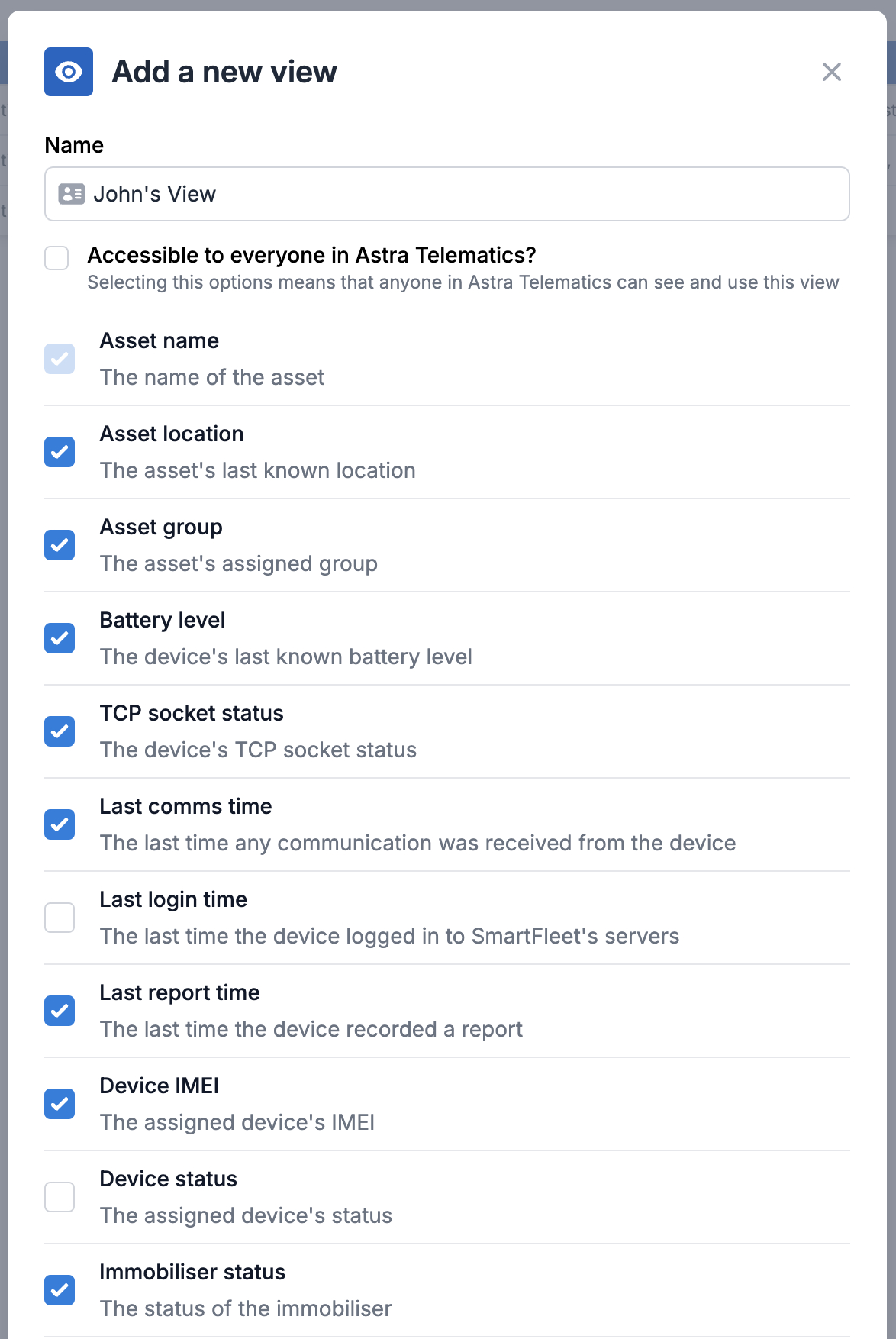
You may now configure what data you would like to be shown and then press Add view:
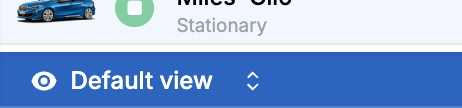
Now that you have created a new view, you can select it using the dropdown menu in the bottom left of the fleet list:
If you would like to change the view that is automatically selected when you enter SmartFleet, please see: Your User Settings