
Updating An Asset
To update an asset, first navigate to it from either Fleet List or the Assets Administration page in the sidebar.
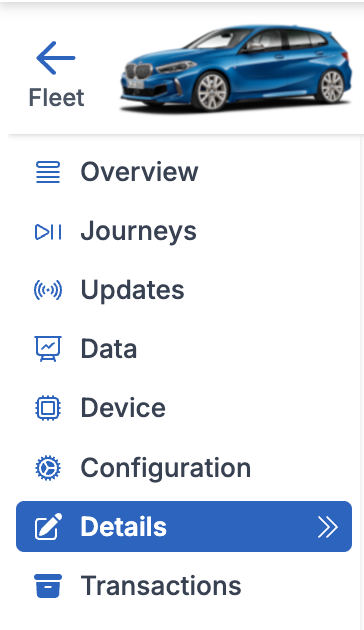
Next, navigate to the Details page from the asset’s sidebar:
Changing an asset’s name
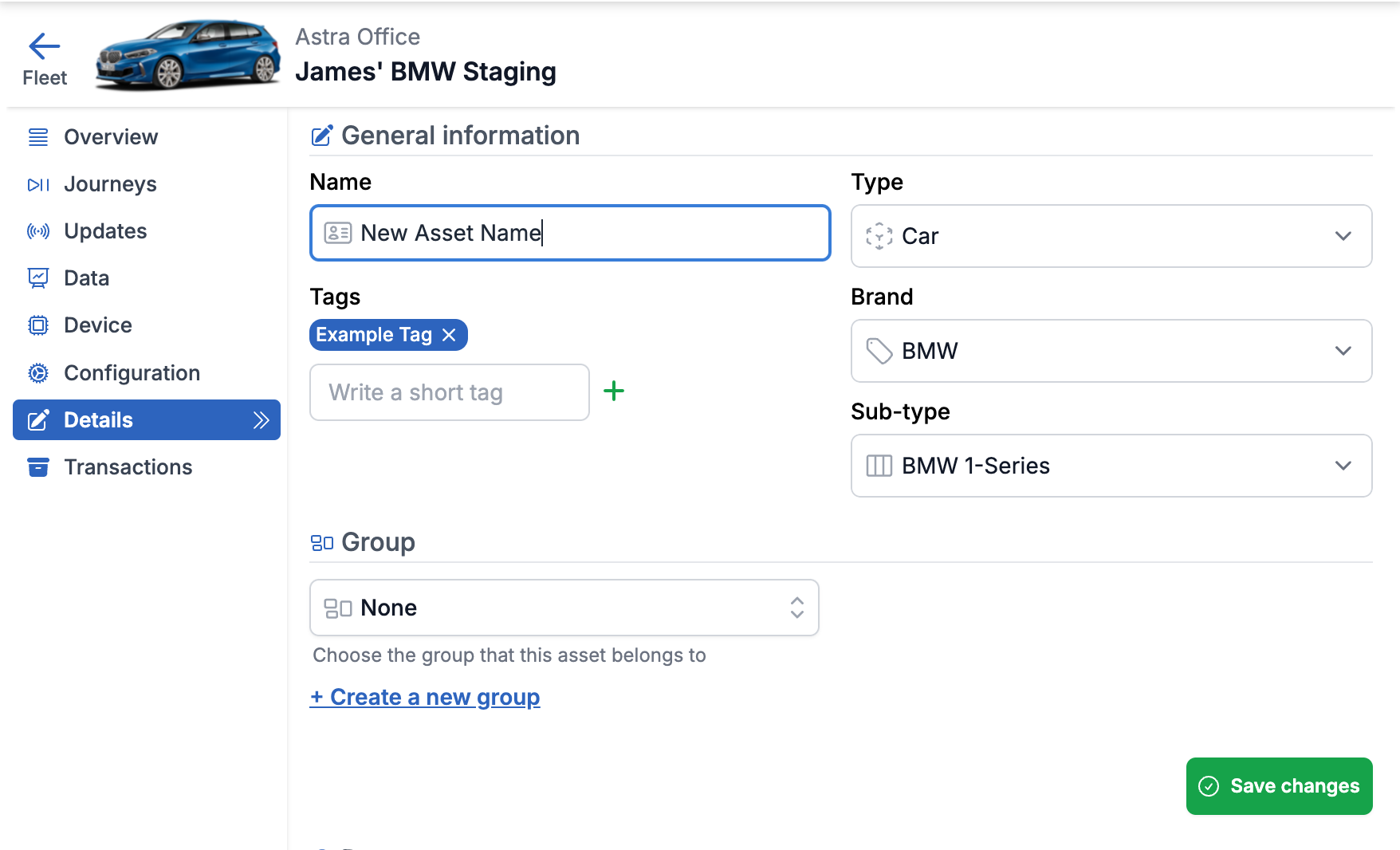
To change an asset’s name, edit the Name field then press Save changes
Changing an asset’s type or sub-type
To change an asset’s type or sub-type, edit the Type / Sub-type field(s) then press Save changes
Attaching / removing tags from an asset
To attach a tag to an asset, fill in the Write a short tag field and press the plus icon:
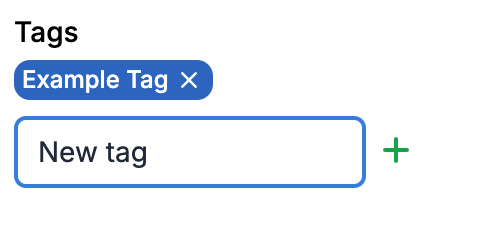
To remove an attached tag, press the cross icon next to the tag.
If you would like to learn more about tags and how to use them, please see: Tags